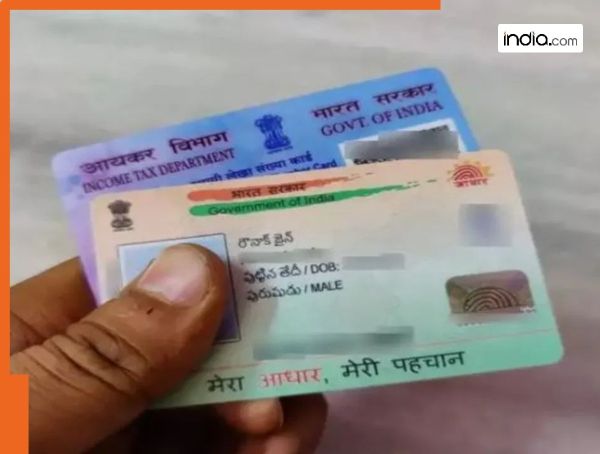
New Delhi: It is often seen that women tend to change their surname on their Aadhaar and PAN cards after marriage. The process can now be completed conveniently from home using a mobile phone. In this article we explain how you can change your name on Aadhaar and PAN cards. Here we have mentioned the steps via which married women can change their name on Pan card:
How to change your name on a PAN card
Visit the website of NSDL or UTIITSL.
Click on the option “Changes/Correction in PAN.”
Enter details such as your PAN number name date of birth and email ID.
A 15-digit token number will be generated.
Select the details you want to change and correct them.
Upload required documents such as address proof date of birth proof photograph etc.
Finally pay the fee and submit the application.
Don’t forget to download the acknowledgement slip. You can use this slip later to check the status of your application.
How to change your name on Aadhaar
Step 1: Visit the official UIDAI website.
Step 2: Go to the My Aadhaar section and log in by entering your Aadhaar number and OTP.
Step 3: You will then see the option to Update Aadhaar.
Step 4: Click on the Name Update option.
Step 5: Submit the required details and documents such as the marriage certificate.
Step 6: Pay a non-refundable fee of Rs 50 (non-refundable means the amount will not be returned).
Step 7: Review the entered details and uploaded documents carefully then click on the Submit button.
The users must make sure that they note down the SRN (Service Request Number) carefully. This number will help you check the status later meaning you can track when the updated information will be reflected on your Aadhaar card.
Contact to : xlf550402@gmail.com
Copyright © boyuanhulian 2020 - 2023. All Right Reserved.