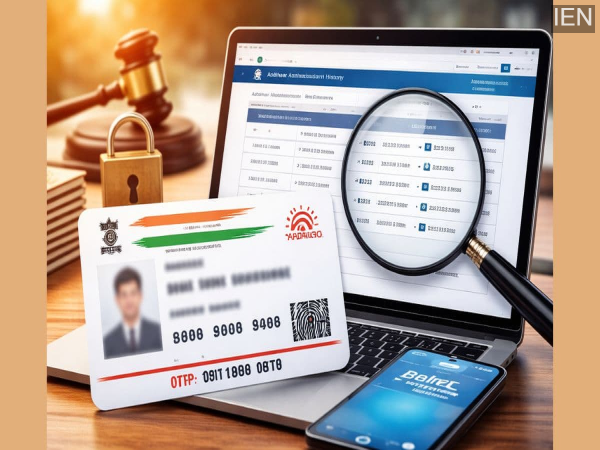
Aadhaar Authentication History: Aadhaar is being used everywhere these days. But do you know where and how? Now you can easily check from home when and where your Aadhaar was used.
Aadhaar Authentication History: Today, the first thing we are asked for in almost every important task is our Aadhaar number. Whether it's for KYC at a bank, a government scheme, a mobile SIM card, or verification on an app, Aadhaar has gradually gone beyond being just our identity and has become our digital key. But this raises a crucial question: Do you really know where your Aadhaar is being used?
If the answer is no, this negligence can be costly. Because if your Aadhaar information falls into the wrong hands, things could be done in your name that you wouldn't even be aware of. The good news is that UIDAI has provided a system that allows you to check in minutes, from the comfort of your home, when, where, and for what purpose your Aadhaar was used.
How to check where your Aadhaar has been used?
A special feature is available on the UIDAI website called Aadhaar Authentication History. This feature works just like call history on your mobile phone. Here you can see when, on what date, and for what type of verification your Aadhaar was used in the last few months. It contains records of authentications related to banks, government departments, or other services.
To check this, first go to the official UIDAI website and click on the Aadhaar Authentication History option. Now enter your 12-digit Aadhaar number and the security code displayed on the screen. After that, click on Send OTP. You will receive an OTP on your registered mobile number. As soon as you enter the OTP, your complete history will open on the screen.
What to do if you see a wrong entry?
Suppose you check your history and see a record that you never authorized. This is a clear indication that your Aadhaar has been misused. Delaying action in such cases can be harmful. Reporting it to UIDAI immediately is the most important step. You can register a complaint by calling the toll-free number 1947. Additionally, you can send an email detailing the entire issue to help@uidai.gov.in. The UIDAI website also has an online complaint option where you can register your complaint step-by-step. If needed, you can temporarily lock your biometrics to prevent any further verification without your permission.
Contact to : xlf550402@gmail.com
Copyright © boyuanhulian 2020 - 2023. All Right Reserved.