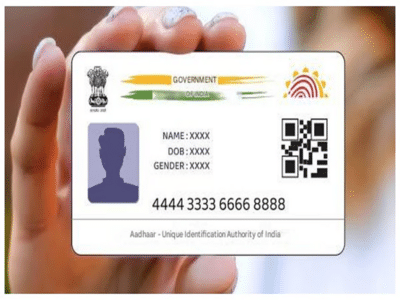
E-Mail ID Update in Aadhaar Card: Aadhaar card is not just an identity card these days, but has become our digital lifeline. Whether opening a bank account or availing government schemes, keeping Aadhaar updated is crucial. Often, we link our mobile number, but neglect our email ID, which is crucial for security and alerts. If your email ID is not yet updated in your Aadhaar, or you want to change your old one, this news is for you. Today, we're going to tell you the complete step-by-step process of updating your email ID in your Aadhaar card so you don't face any problems.
Step-by-Step Process to Update Your Email ID
Step 1: First, locate your nearest Aadhaar Seva Kendra. Use the 'Locate Enrolment Center' feature available on the UIDAI's official website. This will easily provide information about the center near you.
Step 2: To avoid crowds and get your work done quickly, book an appointment online.
Step 3: Arrive at the Aadhaar Seva Kendra at the scheduled time on the day of your appointment. You only need to bring your Aadhaar card.
Step 4: Inform the officer at the center that you want to update your email address or add a new one. Then, carefully enter your new email address into the system to avoid any mistakes.
Step 5: You will need to undergo biometric verification to confirm your identity. This includes a fingerprint or iris scan.
Step 6: You will then need to pay a fee of ₹50. After payment, you will receive a slip containing your Update Request Number (URN), which you can easily use to track the status of your Aadhaar update.
How to check the status?
You can easily track the status of your Aadhaar update by visiting the UIDAI website and entering your URN number in the 'Check Update Status' section.
Disclaimer: This content has been sourced and edited from NDTV India. While we have made modifications for clarity and presentation, the original content belongs to its respective authors and website. We do not claim ownership of the content.
Contact to : xlf550402@gmail.com
Copyright © boyuanhulian 2020 - 2023. All Right Reserved.