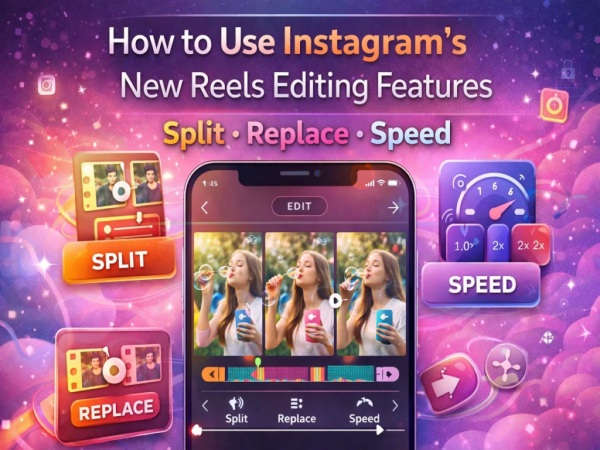
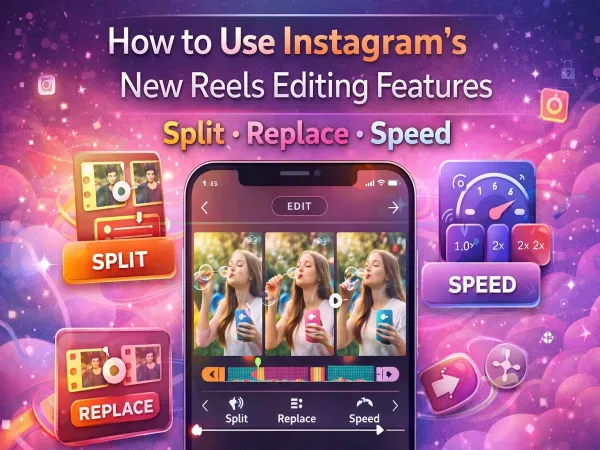
Instagram is constantly improving its video creation features. In this direction the company has new editing tools Have presented. in these tools Split, Replace and Speed Features included allow users to edit videos right within the app.
With the help of these features, now users will not need to use any third-party app to edit videos. It’s easy to cut, change, and adjust the speed of a video right within Instagram.
Let us know what these new reels editing tools are and how they can be used.
What are Instagram’s new Reels editing tools?
Instagram has added three new features to improve Reels editing:
These three tools make video editing simple and fast.
What does the Split tool do?
Split Tool With its help you can split a video clip into two separate parts.
With this, the user can edit different parts of the video in different ways. For example, if you want to remove the middle part of a video or apply different effects, then the Split tool is very helpful.
How the Replace tool works
Replace feature With its help you can replace a video clip with another clip.
During this time, there is no impact on the timeline, audio and effects of the video. That means if you want to change any one scene, there will be no need to edit the entire video again.
What is Speed Tool?
Speed Tool With its help the user can increase or decrease the speed of the video.
By using this you can see in the video fast motion or slow motion Can create effect. This feature is especially useful for tutorials, fitness videos and travel content.
How to use the new edit tools in Instagram Reels
To use these features follow the steps given below:
- First of all Update Instagram App।
- Open the app and click on “+” icon Tap on.
- Select the Reels option.
- from your phone Select a video or record a new video.
- Now Edit option Tap on.
- here you Split, Replace or Speed Options like this will appear.
- Select and edit the tools as per your need.
- after editing is complete Forward Arrow Post Reel by tapping on .
When will this feature be available to all users?
Instagram is gradually releasing these new features to all users. So it is possible that some people may not see this update immediately.
If you don’t see this option in your app, try updating Instagram and wait a while.
Instagram’s new Reels editing tools make video creation easier and more effective than ever. With features like Split, Replace and Speed, users can now do professional level editing right within the app.
If you create reels, you can use these new tools to make your content more attractive.
Contact to : xlf550402@gmail.com
Copyright © boyuanhulian 2020 - 2023. All Right Reserved.