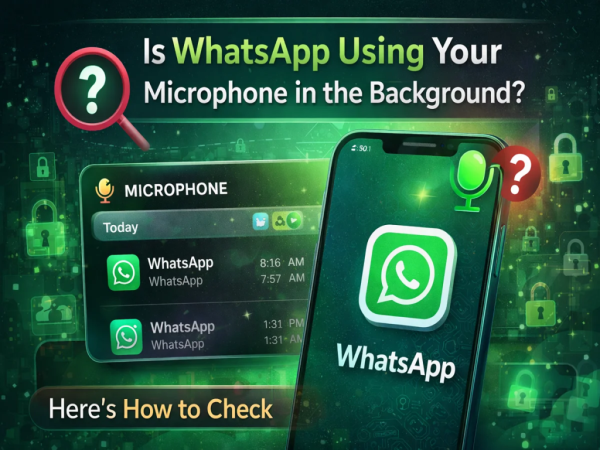
Concern about privacy is continuously increasing among smartphone users. Recently many people raised the question whether WhatsApp is using their phone’s microphone in the background. The discussion intensified when a software engineer shared screenshots on social media claiming that WhatsApp was accessing his microphone even while he was sleeping.
This matter quickly went viral on social media and many tech experts also reacted to it. Later Both Google and Meta clarified that this was a bug present in the Android systemwhich was showing incorrect microphone usage in the privacy dashboard.
However, if you want to be sure about when and by which app your phone’s microphone is being used, there are special tools available for this in Android.
With the help of the steps given below, you can easily check whether WhatsApp is using your phone’s microphone in the background or not.
Important things before testing
There are some necessary conditions before adopting these steps:
- your smartphone Must be running on Android 12 or above
- in your phone WhatsApp is installed and activated
- to WhatsApp Microphone access is allowed
Google has added many new features in Android 12 to improve the privacy of users.
What is Android Privacy Dashboard?
Google in Android 12 Privacy Dashboard A feature named has been added. This feature lets users see which apps are using sensitive permissions like camera, microphone or location.
One in Privacy Dashboard Timeline appearswhich shows which app used the microphone when.
Green indicator visible on screen
On Android 12 and above, whenever an app uses the microphone or camera, the screen A small green dot appears in the upper right।
If this green indicator appears repeatedly and you’re not using any apps at the time, it may be a sign to check.
How to check whether WhatsApp is using microphone or not
If you want to see full microphone usage details, follow these steps:
- in your phone Open the Settings app।
- scroll down Privacy या Privacy & Security Tap Options.
- Privacy Dashboard Open.
- Here Microphone Tap Options.
- now you have a Timeline will appearwhich will tell which app used the microphone when.
Here’s how to see if WhatsApp used the microphone when you weren’t using the app.
What to do if WhatsApp is accessing the microphone
If you feel that WhatsApp is using the microphone unnecessarily, you can turn off its permission.
For this follow these steps:
- in the phone Settings Open.
- Apps Go to section and WhatsApp Select.
- Permissions Tap Options.
- Microphone Click on.
- Here Deny Select the option.
Keep in mind that after turning off the microphone permission, it will not be possible to record voice calls or voice messages on WhatsApp.
Although the viral news to WhatsApp microphone access was later revealed to be to an Android bug, this incident reminds users to be vigilant about their digital privacy.
Android’s Privacy Dashboard lets users see which app is using the microphone or camera when. With this you can have better control over the security and privacy of your phone.
Contact to : xlf550402@gmail.com
Copyright © boyuanhulian 2020 - 2023. All Right Reserved.