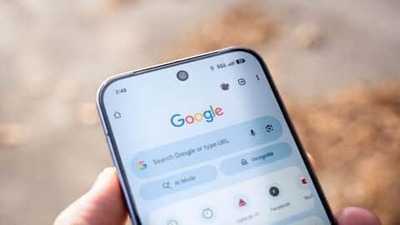
Now, you'll see favicons, site names, and folders lined up below the search bar.
Need all your bookmarks? Tap "All bookmarks."
Want to check a link? Just long-press any item to see its URL.
It's all about getting where you want faster.
The bookmarks bar hides on phones to save space but pops up on tablets and foldables, sitting nicely alongside your tabs.
If you have too many bookmarks, an overflow icon lets you access the rest without clutter.
To try it out: update Chrome via the Play Store, then head to Settings > Appearance and toggle "Show bookmarks bar."
If it's missing, try force-stopping Chrome.
Right now, this is only for tablets and foldables, not phones yet.
Contact to : xlf550402@gmail.com
Copyright © boyuanhulian 2020 - 2023. All Right Reserved.