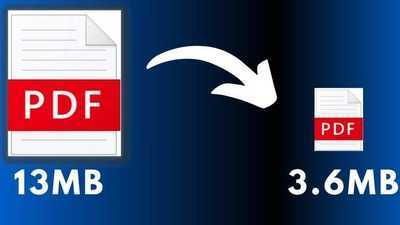
#TechBytes: How to reduce PDF file size
02 Apr 2026
Reducing PDF file size is a common requirement, especially when sharing documents via email or uploading them online.
Large PDFs can be difficult to manage and share, but there are a number of ways to compress them without losing quality.
This article provides practical tips for reducing PDF file size efficiently, making it easier to handle and share digital documents.
Use online compression tools
Tip 1
Online compression tools provide a quick and easy way to reduce PDF file size.
These platforms allow users to upload their documents and automatically compress them with minimal quality loss.
Many of these tools are free and do not require any software installation, making them accessible for anyone needing a quick fix.
Just ensure the tool you choose is reliable and secure, as sensitive information may be involved.
Adjust image quality settings
Tip 2
Images usually take up most of the space in a PDF file. By adjusting the image quality settings, you can significantly reduce the overall size of the document.
Lowering the resolution or changing the image format from PNG to JPEG can help compress images without losing too much quality.
Most PDF editing software lets you tweak these settings easily.
Remove unnecessary elements
Tip 3
Unnecessary elements like annotations, bookmarks, or embedded fonts can bloat a PDF file. Going through your document and removing these extras can help reduce its size considerably.
Some PDF editors even have features that automatically identify and remove redundant elements, streamlining the process for users who may not be aware of what to look for.
Use file optimization features
Tip 4
Many advanced PDF editors have built-in optimization features that specifically focus on reducing file size.
These tools analyze the document's content and apply various techniques such as re-encoding images, removing unused objects, and streamlining data structures.
By using these features, you can achieve significant compression while maintaining the integrity of the document's content.
Split large PDFs into smaller files
Tip 5
If a PDF is too big to compress effectively in one go, splitting it into smaller files can be an effective solution.
Dividing a large document into sections makes it easier to manage and share without compromising on quality or functionality.
Most PDF editing tools offer simple options for splitting documents based on page ranges or specific criteria set by the user.
Contact to : xlf550402@gmail.com
Copyright © boyuanhulian 2020 - 2023. All Right Reserved.