How to enable bookmarks bar

To turn it on, go to Settings > Appearance and flip the "Show bookmarks bar" switch.
If it's missing after updating, try force-stopping Chrome.
Heads-up: This only works on wide screens, so phones are left out for now.

Access bookmarks easily

No more digging through menus.
Now you can tap folders to expand them, use a chevron for overflow items, or long-press a bookmark to see its URL.
It's all about making your browsing faster and easier.

Update to v146 for new experience

This move brings Chrome on tablets closer to its desktop experience and to other browsers that surface bookmarks on larger screens.
The feature is rolling out with Chrome for Android v146; update the app to access it.
The rollout is focused on large-screen Android devices (tablets and foldables); early sightings include Pixel Tablet and Pixel 10 Pro Fold.


Read more
Delhi government’s big decision amid LPG crisis, migrant laborers will get relief, just have to show ID proof
Tezzbuzz
‘I go to Parliament to create impact, not ruckus’: Raghav Chadha refutes AAP’s allegations
Tezzbuzz
Blast at nitrogen gas warehouse in Dadra and Nagar Haveli, 4 people killed, 4 injured undergoing treatment in hospital
Tezzbuzz
Floods, landslides triggered by heavy rain in Afghanistan leave 77 dead in 10 days, authorities say
Tezzbuzz
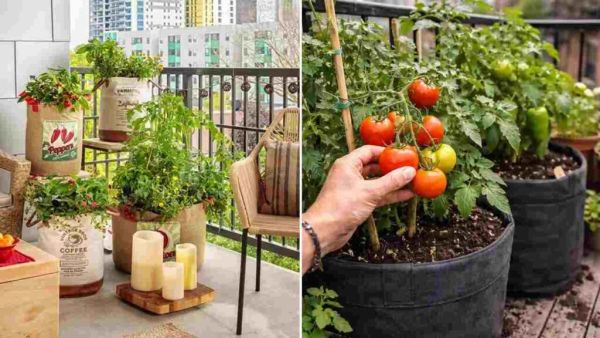
Say ‘bye-bye’ to poisonous vegetables in the market! How to grow organic vegetables in a small balcony of your house, here are 6 secret steps: – ..
Tezzbuzz
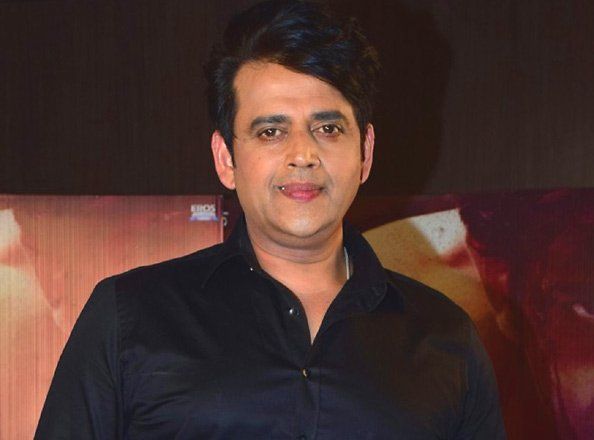
Ravi Kishan on his bond with UP CM Yogi Adityanath: Want him to tease me
Tezzbuzz
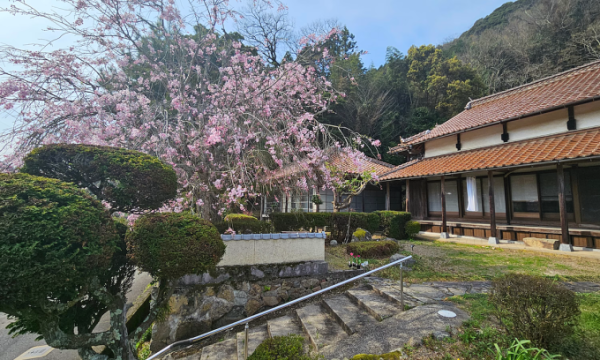
From ruins to opportunity: Why foreigners are buying Japan’s abandoned houses
Tezzbuzz
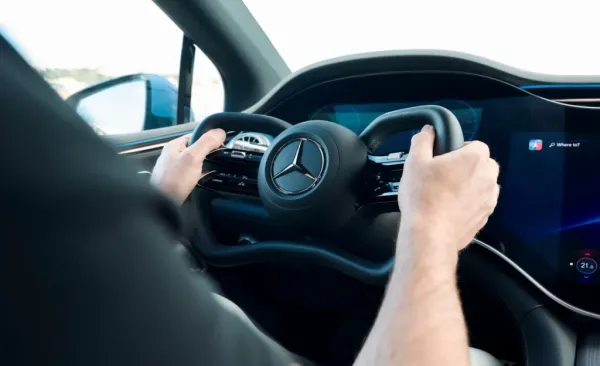
2026 Mercedes EQS Gets Steer-By-Wire
Tezzbuzz
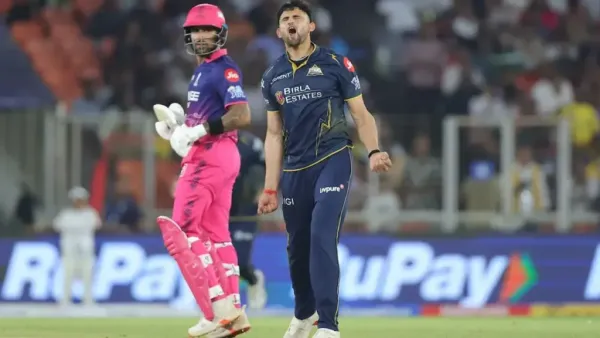
India’s Ashok Sharma bowled the fastest ball of IPL 2026, ahead of many legends.
Tezzbuzz
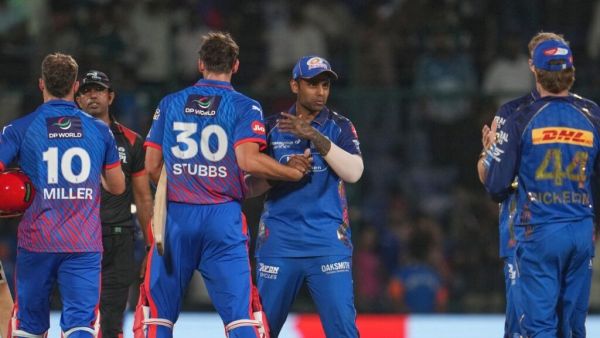
Yesterday Match Result – DC vs MI IPL 2026 Match 8 Highlights April 4
Tezzbuzz